HUNGER Best Settings and PC System Requirements
Graphics and performance settings in the HUNGER open playtest, including SSGI vs Lumen, CACAO, FSR, NVIDIA DLSS, Reflex, ultrawide, and PC system requirements status through Missive XXIII.
On This Page (5)
HUNGER runs on Unreal Engine 5 for Windows on Steam, and the open playtest includes performance options for Screen Space Global Illumination (SSGI) with integrated CACAO ambient occlusion as a lighter option than Lumen, AMD FidelityFX Super Resolution (FSR), NVIDIA DLSS, NVIDIA Frame Generation, FSR Frame Generation, NVIDIA Reflex, Resolution Scale, and an automatic graphics benchmark.
For new Living getting oriented before their first Expedition out of the Chateau, read the HUNGER beginner’s guide alongside these setup steps.
PC System Requirements Status
Good Fun Corporation lists Windows as the target platform on Steam, with English language support and Early Access scheduled for 3 December 2026.
Players joining the 27–29 November 2026 Open Beta can use the open playtest Auto-Set Quality benchmark to populate graphics options on their own PC, and adjust the open playtest lighting and upscaling options below to fit their display.
In the open playtest, HUNGER runs with Easy Anti-Cheat (EAC) on Windows. In Missive XXI, Good Fun Corporation noted that Linux is not supported at Early Access launch due to anti-cheat, compatibility, testing, and ongoing maintenance requirements, while leaving the door open to revisit Linux later as Easy Anti-Cheat support develops. For details on non-Windows play and gamepad UI prompts, check the Linux and controller compatibility guide, and for post-launch console plans read the console release guide.
In-Game Graphics and Performance Settings Reference
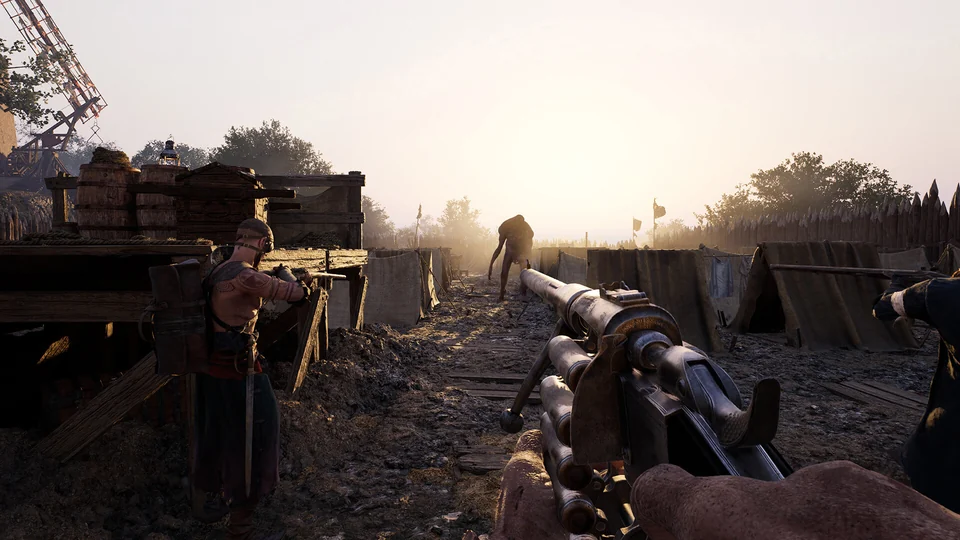
Every graphics, upscaling, and display option below comes from the open playtest menus and developer updates in Missive VIII (26 March 2026), Missive X (5 June 2026), Missive XII (7 August 2026), and Missive XXIII (27 November 2026).
| Setting | Source or update | What it controls |
|---|---|---|
| Global Illumination (SSGI vs Lumen) | Open playtest / Missive VIII & Missive X | Switches indirect lighting and reflections between heavier, richer Lumen and more performance-friendly Screen Space Global Illumination (SSGI). |
| CACAO ambient occlusion | Missive XII (paired with SSGI) | Integrated for SSGI users to reduce shimmering artifacts while keeping screen-space global illumination visuals clean. |
| Lumen Reflection Screen Traces | Open playtest | Adds extra detail to reflective surfaces on top of default Lumen Reflections; turning it off removes small visual artifacts while greatly lowering reflection detail on certain surfaces. |
| AMD FidelityFX Super Resolution (FSR) | Open playtest / Missive XII | Balances performance and visual quality on any GPU, not only AMD cards; paired with FSR Frame Generation to adjust performance and smoothness. |
| NVIDIA DLSS | Open playtest | Balances performance and visual quality on supported NVIDIA cards, alongside DLAA, Ultra Quality, Quality, Balanced, Performance, and Ultra Performance options. |
| Frame Generation (NVIDIA) | Open playtest | Enables and adjusts NVIDIA Frame Generation settings to tune game performance. |
| NVIDIA Reflex | Open playtest | Configures the NVIDIA Reflex low-latency setting to cut input delay. |
| Resolution Scale / 3D Resolution | Open playtest | Scales internal rendering resolution; lowering the slider can boost frame rate at the cost of softer image sharpness. |
| Anti-Aliasing | Open playtest | Smooths jagged geometry edges using FXAA (lightweight, softer), TAA (cleaner with some motion blur), TSR (highest detail at a higher performance cost), or disabled for a sharper unfiltered look. |
| Vertical Sync | Open playtest | Synchronises frame rate with display refresh rate to limit screen tearing; works only when Window Mode is set to Fullscreen. |
| Window Mode & Resolution | Open playtest | Switches between Fullscreen (takes display priority), Windowed Fullscreen (must match native desktop resolution), and resizable Windowed, plus supported resolutions. |
| Ultrawide support | Open playtest / Missive XXIII | Expands the horizontal view on displays wider than 16:9 rather than cutting the vertical frame; suited to 21:9 and 32:9 monitors while leaving 16:9 unchanged. |
| Field Of View | Open playtest | Adjusts the first-person camera field of view wider or narrower. |
| Frame Rate Limit & Frame Rate Limit In Menu | Open playtest | Sets separate frame-rate caps for gameplay and menus, with higher limits giving a smoother experience. |
| Auto-Set Quality & Quality Presets | Open playtest | Runs a built-in benchmark to set graphics options automatically, or sets all graphics options from a developer-made preset. |
| Dynamic Shadows & individual sliders | Open playtest | Controls higher-cost Dynamic Shadows alongside separate options for Shadows, Textures, Reflections, View Distance, Post Processing, Effects, and Brightness. |
Key Open Playtest Performance Trade-Offs
In the open playtest, the in-game tooltips and developer updates flag several specific performance trade-offs that players can test on their own hardware.
- Auto-Set Quality benchmark: Trigger the Auto-Set Quality benchmark to set graphics options automatically as a starting baseline before making manual changes.
- Global Illumination (Lumen vs SSGI): Lumen delivers higher-quality indirect lighting and reflections at a heavier performance cost, while Screen Space Global Illumination (SSGI) was added in Missive VIII (26 March 2026) and Missive X (5 June 2026) for players chasing higher frame rates. Missive XII (7 August 2026) also integrated CACAO ambient occlusion into SSGI to fix reported shimmering artifacts.
- Lumen Reflection Screen Traces: Players keeping Lumen who notice small visual artifacts on reflective surfaces can turn off Lumen Reflection Screen Traces to remove those artifacts, at the cost of greatly lowering reflective detail on certain surfaces.
- Upscaling, Resolution Scale, and latency options: The open playtest offers NVIDIA DLSS and AMD FidelityFX Super Resolution (FSR, working on any GPU) to balance performance and visual quality, alongside a Resolution Scale slider that can raise performance at lower values while reducing clarity. On NVIDIA hardware, pair upscaling with NVIDIA Reflex to lower input latency, and test NVIDIA Frame Generation or FSR Frame Generation if you want smoother motion.
- Dynamic Shadows and Post Processing: The in-game tooltip flags Dynamic Shadows as carrying a higher performance cost, while Post Processing governs bloom, motion blur, and global illumination impact. Separate sliders also adjust Shadows, Textures, Reflections, View Distance, and Effects.
- Anti-Aliasing modes: TSR delivers the highest edge detail at a greater performance cost than FXAA and TAA. Choose between TAA for cleaner edges with slight motion blur, FXAA for a lighter softer pass, or disabling Anti-Aliasing for a sharp unfiltered look.
- Window Mode, ultrawide, and frame-rate caps: Select the Fullscreen window mode if you need display priority or Vertical Sync, since Vertical Sync only activates in Fullscreen mode. On 21:9 or 32:9 monitors, enable the ultrawide setting added in Missive XXIII (27 November 2026) so the sides expand instead of cropping vertical space; leave it alone on 16:9 screens. Two sliders, Frame Rate Limit and Frame Rate Limit In Menu, let you cap active gameplay and menu frame rates independently.
Clarity and Audio Settings for Expeditions
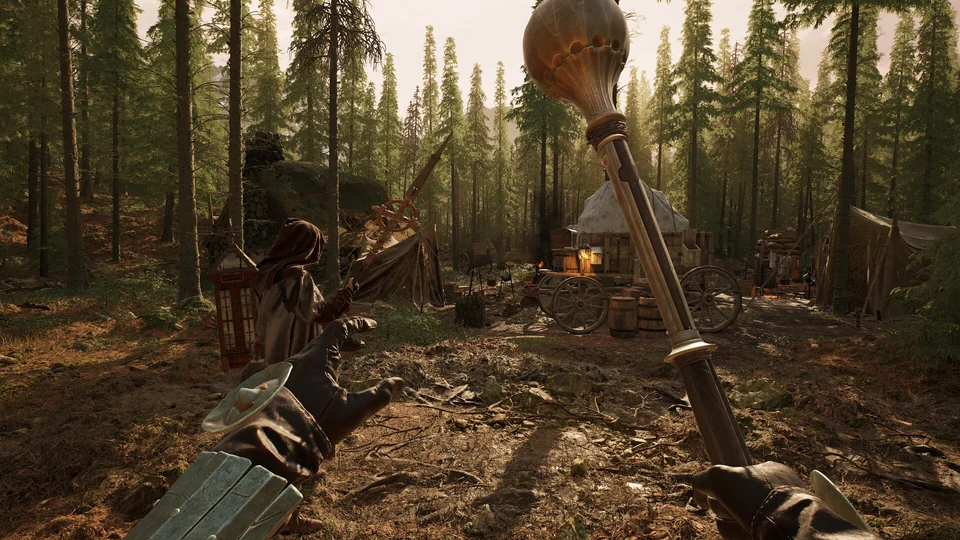
Good visuals and clean positional sound matter as much as raw frame rate when tracking other Living or ambushes.
- Brightness and camera comfort: Calibrate the Brightness slider using the on-screen Mr Sticky test image until its left side barely shows, adjust Field Of View for first-person comfort, and switch off camera motion blur or Head Bob if movement blur makes targets harder to read.
- Audio sliders and footstep clarity: Turn up Sound Effects (player and AI actions) relative to Music and Dialogue, and configure the out-of-focus audio slider if you want audio to remain audible when tabbed away from the game window.
- Ongoing audio occlusion work: Missive XII fixed an audio occlusion bug that muffled footsteps from behind, Missive XVII noted spatialised audio and occlusion as continuing priorities after the Closed Beta, and Missive XXIII raised footstep audibility for the Open Beta. Note that proximity voice chat operates only during Expeditions and is disabled inside the Chateau.
Troubleshooting and Next Steps
If graphics tweaks do not fix crashes, Chateau loading hangs, or server disconnects, see the connection, crash, and bug fixes guide.